Student Retention Software: A Buyer's Guide for 2026

The kinds of student retention software and what each is good at, what to evaluate (reach, reply rate, follow-through, staff time, privacy, integrations, safety), red flags in a demo, and how to run a pilot that answers the question.
Key takeaways
- Retention software covers several kinds of tools: success platforms, predictive analytics, early alerts, mass texting, chatbots, surveys and proactive two-way nudging. Each solves a different problem.
- Start from where students fall through on your campus: not knowing who's struggling, not reaching them, or nothing happening after you do. Another risk score won't fix the last two.
- Ask every vendor for weekly reply rates with the denominator, staff hours to run, how outcomes get back to your system of record, and what happens to a 2 AM safety message.
- Pilot with one cohort for one term, against a comparison group, with success measures and stop rules written before it starts.
A common mistake in buying student retention software is paying for a better way to find struggling students when the real gap is what happens after you find them. Vendor demos make the mistake easy to repeat. Most open on a dashboard with a risk score for every student and a chart that turns from green to red, and forty minutes later you still don't know what the software does when a student in the red band ignores her advisor's email.
Student retention software covers several different kinds of tools, and they solve different problems. This guide sorts them out, sets out what to evaluate (reach, reply rate, follow-through, staff time, privacy, integrations and safety), lists the red flags worth catching in a demo, and shows how to structure a pilot that gives you a real answer by the end of one term.
The kinds of student retention software
Most products fit one or two of these categories. Many campuses already own the first two.
| Kind | What it's good at | What it usually doesn't do |
|---|---|---|
| Student success and advising platforms | Appointments, case notes, early-alert forms, caseloads, a shared record of who did what | Get a student who isn't engaging to engage. They work best for students who show up |
| Predictive analytics | Ranking students by likelihood of leaving, from enrollment, academic and financial data | Say what's wrong this week, or reach anyone |
| Early-alert tools | Collecting flags from faculty and staff in one place | Make sure the flag reaches the student and ends in help |
| Mass texting and campaign tools | Sending a message to many students quickly | Read and answer the replies at scale |
| Chatbots | Answering campus questions when a student asks | Speak first. They wait to be asked |
| Survey and pulse tools | Hearing how students are doing | Act on what they hear, student by student |
| Proactive two-way nudging | Texting first, reading every reply, getting the student to an office and checking back | Replace your system of record or your advisors |
The categories overlap and the labels on vendor websites blur them further. Ask each vendor which row they belong in, and which rows they expect you to cover with something else.
Start from where students fall through
Before comparing products, find the step where students fall through on your campus. There are three common places, and each points to a different purchase.
- You don't know who's struggling. Alerts are rare, data sits in separate systems, nobody sees the picture until midterm grades. Analytics and better early-alert collection help here.
- You know, but you can't reach them. Outreach goes by email and voicemail, and the students who most need help are the ones who don't answer. A channel students actually reply on helps here.
- You reach them, but nothing happens next. Students say they'll go to tutoring and don't, referrals are counted as resolved, nobody checks back. Follow-through helps here.
Campuses that have been at this a while often have the first covered. If your gap is in step two or three, another risk score won't close it.
What to evaluate in retention software
| Criterion | What to ask | What good looks like |
|---|---|---|
| Reach | What share of the target students actually receive and read something in week one? | A channel students already use, with nothing to download and no login |
| Reply rate | What share replies in a typical week, at week two and at week ten? | Weekly numbers from a real deployment, and how they hold through the term |
| Follow-through | After a referral, what checks that the appointment happened? | A check back after the appointment, and outcomes recorded |
| Staff time | How many staff hours to set up, and per week to run? | A specific number, with what the hours are spent on |
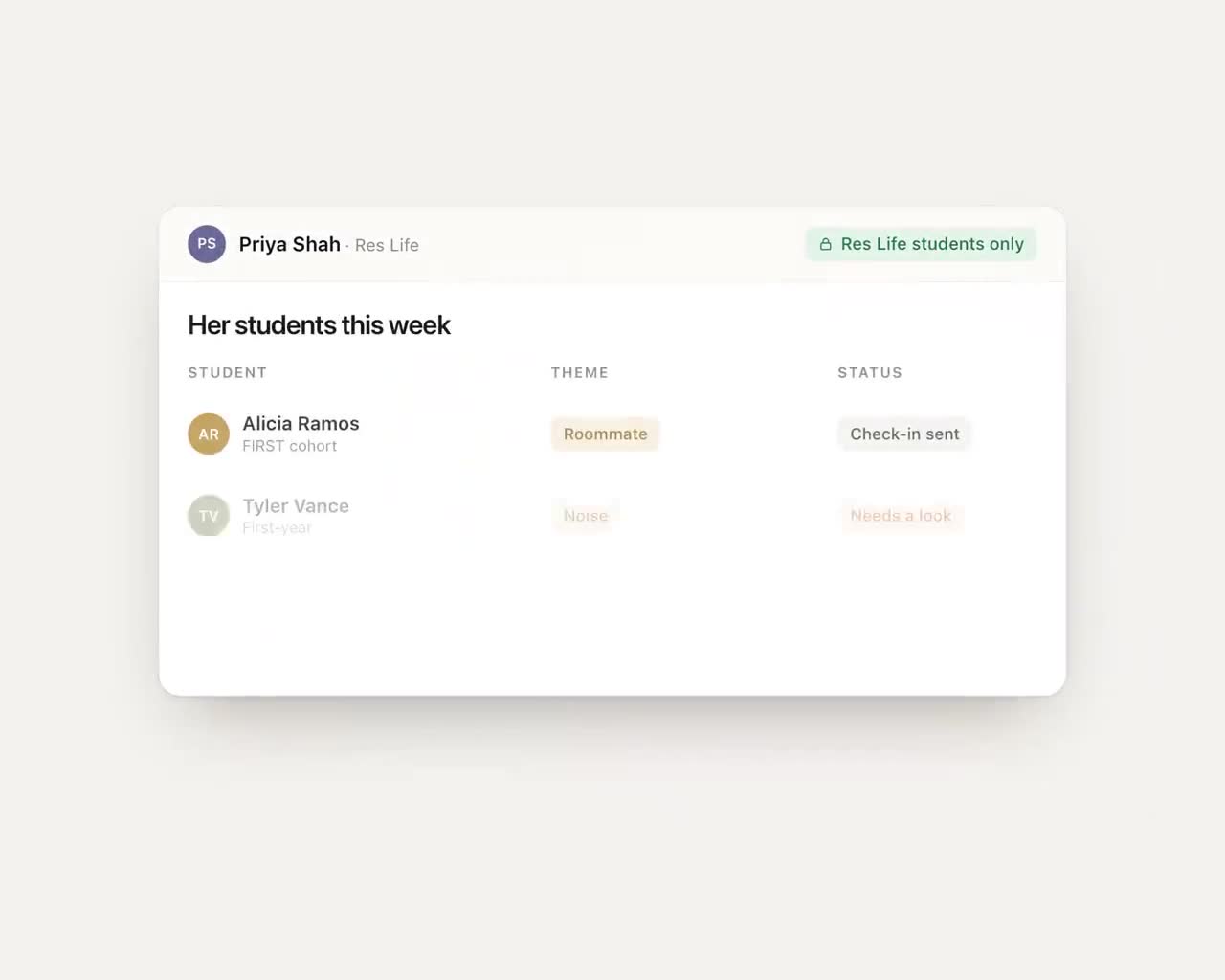
| Privacy | Who sees what? What's in the data agreement? Where is data stored and for how long? | Staff see themes and status by default; full messages only where there's a reason |
| Integrations | How does data come in from our systems, and how do outcomes go back? | An API or export where one exists, and a plan for systems that have neither |
| Safety | What happens when a student texts something alarming at 2 AM? | A written escalation path to named people, tested before launch |
| Accessibility | How does it work for students using screen readers, or without a smartphone? | Plain text that works on any phone, and staff screens tested for accessibility |
Two of these deserve more time than they usually get. Staff time is the cost that rarely appears in the quote: the hours to load resources, train staff and watch a dashboard every week. A product that needs a half-time coordinator to run costs more than the proposal says. Integrations are the other. "We integrate with your SIS" can mean a live two-way connection or a spreadsheet someone uploads on Mondays. Ask which, and ask to see it. Our guides on connecting to Banner, Canvas and Navigate360 and legacy systems without APIs go further.
Red flags in a demo
- Every number is a percentage of "engaged" students. Ask for the denominator: everyone you texted, or only the ones who answered?
- The demo is all dashboard. If you never see what the student sees, ask to. Then ask to see a reply that went wrong and what happened next.
- Results without a cohort, a term and a comparison. "Retention went up" means little until you know since when, for whom and against what.
- Safety is a slide, not a process. Ask who gets the message at 2 AM, by role, and how fast.
- "Fully automated" for things that need judgment. Software can answer when the library closes. It shouldn't be deciding whether a student should withdraw.
- A launch that needs a data warehouse project first. You can start with a roster and a resource list. If a vendor can't, the pilot may take longer than the term.
Questions to ask about the AI
Most products in this market now use AI somewhere. That's not a red flag by itself, but you should know exactly where it is and what it's allowed to do.
- What does the AI write or decide, and what does a person always handle?
- Where do its answers about our campus come from, and who keeps those details current each term?
- What does it do when it doesn't know? The right answer is that it says so and points to a person.
- How is safety language detected, and what happens if detection misses?
- Are student messages used to train models? Which model providers see student data, and under what agreement?
- Can we read a sample of real, de-identified replies it sent last term, including some that went wrong?
For more, see AI in student success and AI chatbots for universities.
Questions for references
Vendors pick references who are happy. You can still learn a lot if you ask for the right person and the right things. Ask to speak with whoever runs the product week to week, not only the executive who signed.
- What did your team stop doing after you started? If the answer is "nothing", the product added work.
- How many hours a week does it take, and whose?
- What did students say about it, in their words?
- What went wrong in the first term, and how did the vendor handle it?
- How did reply rates in week ten compare with week two?
- Did it get the outcome back into your system of record, or does someone copy it over?
- Would you buy it again, and what would you do differently?
How to structure a pilot
A good pilot answers one question for one group in one term. Write the success criteria before it starts, so nobody grades it afterwards on a curve.
- Pick one cohort. First-years in a program with known attrition, a first-generation cohort, or students on academic probation. Somewhere between 100 and a few hundred students is enough to learn from.
- Find a comparison. The same cohort the year before, or a similar group not in the pilot. Without one, you'll be reading tea leaves.
- Sign the data agreement first. Get counsel and IT through it before the term starts, not in week three.
- Agree on the measures. Reply rate in a typical week, referral completion, time from a flag to the student's phone, fall-to-spring persistence for the cohort, and staff hours spent.
- Agree on the stop rules. Write down what would end it early: an opt-out spike, a safety process that fails a test, staff time far over plan.
- Meet every two weeks. Thirty minutes: what students are saying, what's stuck, what to change.
There's more detail in how to run a one-semester student success pilot, and for the finance conversation afterwards, how to calculate the return on a retention program.
Where Journey fits
Journey is the proactive, two-way row in the table above. It texts students first over SMS and iMessage, reads every reply for theme and urgency, answers campus questions from a resource base you help build, and gets students to the office that can help with a one-tap scheduling link. When a reply calls for a personal follow-up, such as asking whether the appointment happened, AI drafts it and a staff member approves it in Slack before it goes out. Your team works from a dashboard that puts the students who need staff attention on one short list. It doesn't replace your success platform, your advisors or your counselors; it's built for what happens after you know who's struggling.
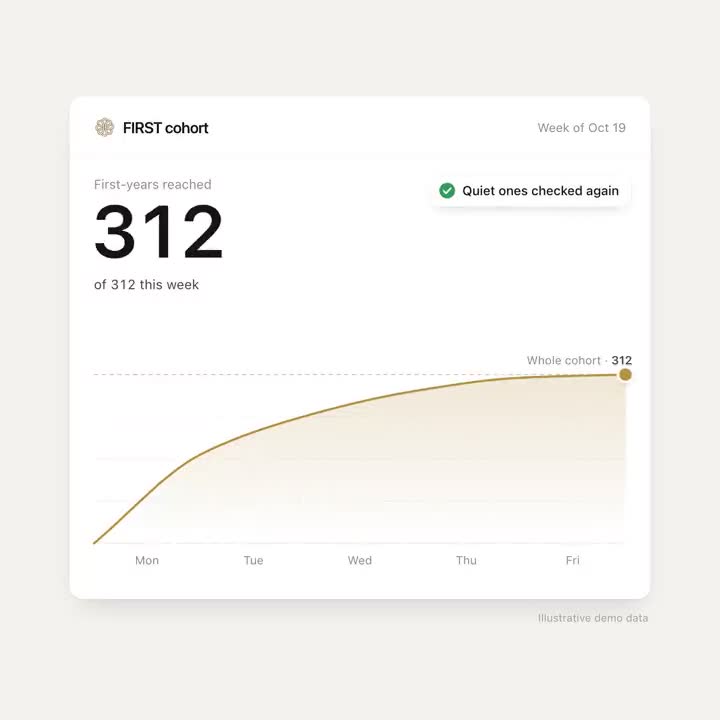
On the criteria above, here is where we stand. Staff time: Journey needs about eight hours of staff time to set up a 100-student pilot, most of it gathering the campus resource details Journey can't find publicly. Reply rate: In a typical week of the University of New Haven pilot, 74% of students replied to Journey or acted on a nudge. Scale: The University of New Haven began with a 100-student pilot and expanded Journey to 1,800 students the following fall. Privacy: Journey processes student data only under a written agreement with the institution, as a school official with a legitimate educational interest, and SOC 2 certification is in progress. Safety: Journey is not a crisis line: when a message raises a safety concern, it surfaces the right human path (counseling, 988, the on-call staff your team names) and follows the escalation process set up with your campus. Integrations: Journey connects to campus systems where they offer an API or an export, and where a system has neither, it can work through the system's web screens the way a staff member would, with a dedicated account and only the permissions you grant, each run recorded for review. We set that up with your IT team during a pilot.
For side-by-side comparisons, see student success texting platforms compared, and if you're weighing building your own, build or buy.
Scoring vendors side by side
Put the eight criteria from the evaluation table down the side of one sheet and the vendors across the top. Score each cell from 1 to 3, and only from evidence: a number from a real deployment, a screen you saw working, a reference who said it unprompted. A claim from the sales deck scores 1 until someone shows you.
Then weight the rows by your gap. If students fall through after you reach them, follow-through and staff time count double. If you can't reach them at all, reach and reply rate do. A vendor that scores well only on rows you already cover is solving a problem you don't have.
Before the committee votes, settle three things the scores won't: which of the three failure points you're buying for, whether counsel has read the data agreement and IT has finished the security review, and what result in the pilot would make you stop.
Frequently asked questions
What is student retention software?
It's an umbrella term for tools that help colleges keep students enrolled: advising and success platforms, predictive analytics, early-alert tools, texting and chatbot tools, survey tools and proactive nudging services. They solve different problems, so the right choice depends on where students fall through on your campus.
How do I compare student retention software vendors?
Compare them on reach, weekly reply rate, follow-through after referrals, staff time, privacy, integrations, safety and accessibility. Ask for numbers from a real deployment with the denominator, and ask references what their team stopped doing after they started.
How long should a student success software pilot run?
One term is usually enough to learn whether students engage and whether referrals turn into appointments, if you pick one cohort, set a comparison group and write the measures first. Persistence to the next term is the outcome to track, with weekly reply and referral numbers as early signs.
Do we need to replace our student success platform to improve retention?
Usually not. Most campuses already have tools that identify struggling students. The gap is more often in reaching those students and following through, which a texting or nudging layer can add alongside the platform you already run.
What should we ask about AI in retention software?
Ask what the AI writes or decides and what a person always handles, where its campus answers come from, what it does when it doesn't know, how safety language is caught, and whether student messages are used to train models.