How to Run a One-Semester Student Success Pilot

Pick one cohort of about 100 students, define success and the comparison before the term, set up with the right offices, keep a 30-minute weekly rhythm, and read out in two parts: at term's end and after census.
Key takeaways
- About 100 students is large enough to see patterns and small enough for one owner to read the flagged list every week.
- Write the primary outcome, leading indicators, comparison group and decision rule on one page and get it signed before the term starts.
- Set up the data agreement, roster, campus details, escalation path and a named contact in each receiving office before classes.
- Plan two readouts, one at the end of term on leading indicators and one after the next census on persistence.
A student success pilot that disappoints has often gone wrong before the first student is contacted. The term ends, someone in the provost's office asks whether it worked, and nobody wrote down in August what "worked" would mean or what the pilot group would be compared with.
A good student success pilot program is small, short and decided in advance: one cohort of about 100 students, one semester, a success measure and a comparison chosen before the first text goes out, a weekly rhythm during the term, and a readout in two parts. Each of those is cheap to decide in August and hard to fix in December.
Pick one cohort of about 100 students
About 100 is large enough to see patterns in what students say and small enough for one staff member to read the flagged list every week. It's also small enough that setup stays manageable.
| Cohort | Why it makes a good pilot | Watch for |
|---|---|---|
| First-generation first-years in an existing program | Clear need, and a staff team who already know the students | Subgroups too small to compare on their own |
| First-years who ended fall below a 2.0 | A clear outcome to watch, and an obvious reason to reach out | Some would have improved anyway, so the comparison group matters most here |
| Commuter students | Hard to reach by email and on campus, so texting has a lot to add | Work schedules; time the nudges to the windows students choose |
| One residence hall | Easy to compare with a similar hall | Halls differ in ways that have nothing to do with the pilot |
| Students in gateway STEM courses | Early alerts and tutoring give you a lot to measure | Faculty need to know the pilot exists |
Pick the cohort that has a staff owner who wants it. A pilot with an enthusiastic coordinator and a modest cohort beats an ambitious cohort that nobody has time to watch.
Define success and the comparison before you start
Write this on one page and have the sponsor sign it before the term starts.
| Item | Example |
|---|---|
| Primary outcome | Fall-to-spring persistence, measured at the spring census |
| Leading indicators | Weekly share of students who reply or act; referrals kept; hours from an alert to the student's phone; campus questions answered without a handoff; opt-outs |
| Comparison | The same population last year, or similar students this year who aren't in the pilot, chosen before the term |
| Decision rule | What result means expand, extend for a second term, or stop |
| Owner | The person who reads the flagged list weekly and writes the readout |
Choosing the comparison
- Last year's students, same definition. The easiest. It's weakened if anything else changed between years, like a new aid policy.
- Similar students this year. Better. Institutional research can match students on the things that predict persistence at your campus.
- A waitlist. If more students qualify than the pilot can take, choosing who goes first at random gives you the cleanest comparison, and the rest join next term. Ask institutional research to set it up.
Be realistic about what 100 students can show. A difference of a few students in persistence can happen by chance. That's why the leading indicators matter, and why the decision rule should weigh them alongside the census result. If you plan to publish anything, talk to your institutional review board before the term starts, not after.
Set up before the term
For a 100-student Journey pilot, setup takes about eight hours of staff time to set up a 100-student pilot, most of it gathering the campus resource details Journey can't find publicly. Here's how the work usually divides.
| Task | Owner | Done when |
|---|---|---|
| Data agreement and security review | Counsel, IT security | Signed, with the field list attached |
| Roster and class schedules | Registrar or IT | A file or export with names, mobile numbers, student IDs and meeting times |
| Campus resource details | Each office, collected by the pilot owner | Hours, locations, contacts and links confirmed by the offices |
| Escalation path | Counseling center director | Who is told, how, at any hour, and what the student is told |
| Handoff contacts | Advising, tutoring, financial aid, the bursar | A named person in each office who knows the pilot exists |
| Welcome message and sign-up | Pilot owner | Approved by the sponsor and ready to send the week before classes |
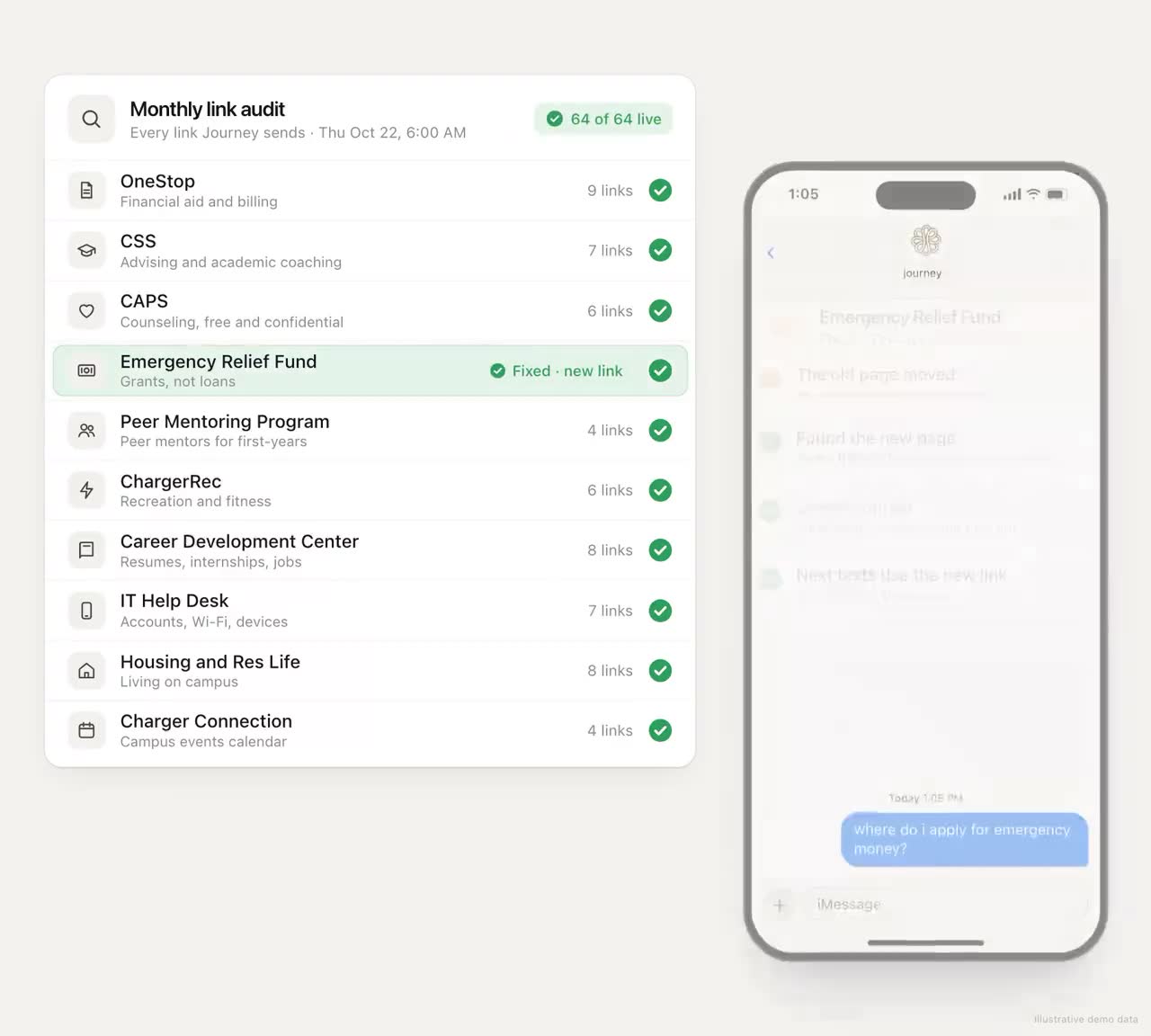
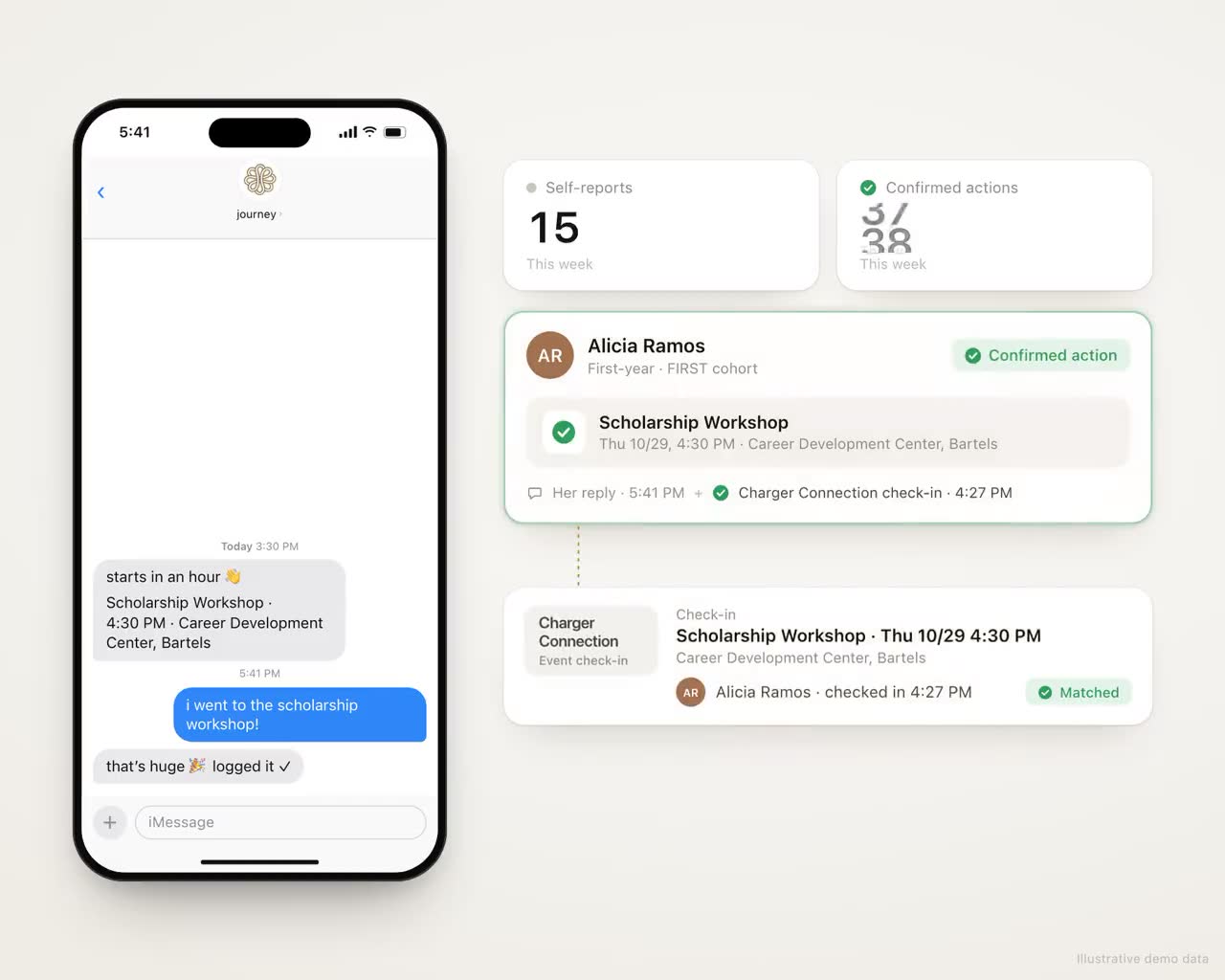
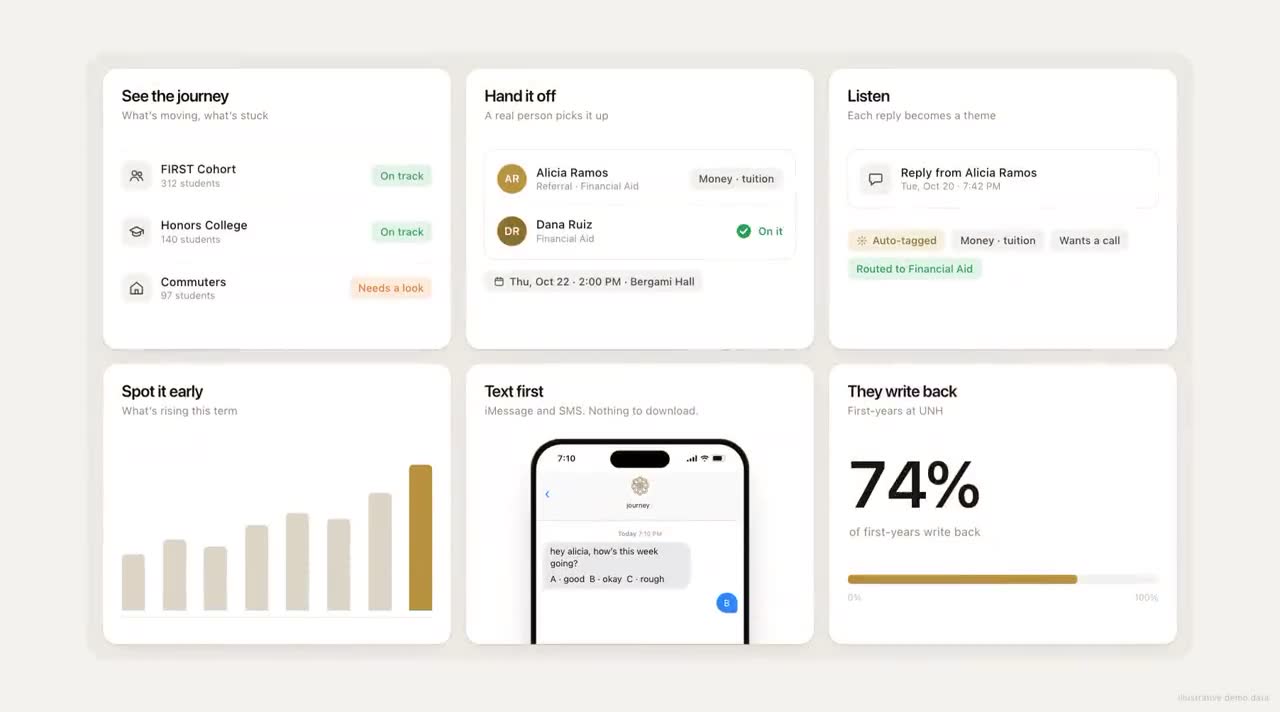
Self-serve setup screens, like the ones in the launch demo at the top of this page, aren't live either. Today we load your roster and campus details with you during setup, and nobody on your side needs to learn a new tool to do it. For what to collect from each office, see Building a Campus Knowledge Base Students Can Text.
What to tell students up front
The welcome message sets expectations for the whole term. It should say, in a few short lines:
- who it's from, by name of the office students already know;
- why they're getting it, in one sentence that isn't about risk;
- how often they'll hear from it, and that they can reply any time;
- how to stop or pause;
- where to go in an emergency, because a text line isn't watched like a crisis line.
Journey is not a crisis line: when a message raises a safety concern, it surfaces the right human path (counseling, 988, the on-call staff your team names) and follows the escalation process set up with your campus. Say the same in plain words to students, and have your counseling center approve the wording.
The first two weeks
- Send the welcome the week before classes. Students sign up by text, pick their goals and the events they care about, and choose the voice Journey texts them in. It takes about 90 seconds.
- Ask for timetables. Students can text a screenshot of their class timetable, and from then on no nudge is sent during a class. It also means the first nudges land when the student is free.
- Check coverage daily. Wrong numbers, landlines and students who never replied to the welcome. Fix the list while it's still early.
- Watch the questions you can't answer. Gaps in the campus details tend to show up in the first ten days. Fill them as they appear.
- Watch opt-outs. Students can text STOP at any time to opt out, or PAUSE to take a week off. A cluster of opt-outs in week one often means the welcome was too long or arrived at a bad time.
The weekly rhythm
Thirty minutes, same day every week, with the pilot owner and whoever handles handoffs. The agenda:
- Students flagged for a person, who has each one, and anything stuck.
- Last week's handoffs, and whether each appointment happened.
- What students wrote about most, and whether any office needs a heads-up.
- Gaps in the campus details, and who will fill them.
- One adjustment for next week.
Across the term, the focus shifts with the calendar:
| Weeks | What to watch |
|---|---|
| 1 and 2 | Sign-ups, coverage, first replies, questions you can't answer yet |
| 3 to 5 | First academic check-ins, tutoring referrals, early alerts |
| 6 to 9 | Midterms, and holds to clear before registration |
| 10 to 12 | Registration, advising appointments, aid for next term |
| 13 to 15 | Finals, and each student's plan for next term |
| After census | Who came back, compared with the comparison group |
For the middle of the term, our midterm slump playbook has week-by-week detail, and the weekly review playbook has a fuller agenda.
The readout, in two parts
The primary outcome isn't known until the next term's census, which is weeks after the term ends. Plan for two readouts instead of waiting for one.
At the end of the term
- The leading indicators, week by week, against the targets on your one page.
- What students wrote about, as themes with counts.
- Referrals made and kept, by office.
- Staff hours actually spent, against the estimate.
- What broke, and what you'd change.
After the census
- Persistence for the pilot group and the comparison group, with counts.
- The decision, made by the rule you wrote before the term.
If the answer is to expand, plan the next step the same way: a larger group, the same measures, a comparison. The University of New Haven began with a 100-student pilot and expanded Journey to 1,800 students the following fall. For turning the result into a budget case or a board report, see How to Calculate the Return on a Retention Program and Reporting Student Retention to Your Board.
Ways pilots go wrong
| What happens | What prevents it |
|---|---|
| Nobody reads the flagged list for two weeks, and the students who asked for help hear nothing | A named owner with time blocked in their week, and a backup for when they're out |
| A student is sent to tutoring and the front desk has never heard of the pilot | A named contact in every office that receives handoffs, told before the term |
| The roster arrives in week 3, after the moments the pilot was meant to catch | Roster and schedules agreed before classes start |
| The measure of success changes at the end, to whatever looks best | The one page, signed before the term |
| Everything rides on one persistence number from 100 students | Leading indicators, a comparison group and a decision rule that weighs both |
| The pilot ends and the texts stop without a word | A last message that tells students what's next and where to go for help |
Questions to ask a vendor before a pilot
- How many hours do you need from us, and from which offices?
- What's the smallest set of student data you need?
- Who reads the flagged list each week: your team or ours?
- What happens when a message contains safety language at 2 AM?
- What will the end-of-term readout include? Can we see one?
- What happens to student data when the pilot ends?
- What would make you tell us it isn't working?
Write your one page first: the cohort, the primary outcome, the comparison and the decision rule. Then take it into every vendor conversation and ask each one to fill in the setup table with names and hours.
Frequently asked questions
How do you design a student success pilot program?
Choose one cohort of about 100 students with a staff owner, define the primary outcome and the leading indicators, pick a comparison group before the term, write a decision rule for expanding or stopping, and set a weekly review rhythm.
How many students should be in a student success pilot?
About 100 works well for a one-semester pilot: enough replies to see patterns, and few enough that one person can review flagged students weekly. Persistence differences of a few students can happen by chance at that size, so weigh leading indicators and a comparison group too.
What should a pilot be compared against?
The same population from last year using the same definition, or similar students this year who aren't in the pilot, chosen before the term. If more students qualify than the pilot can take, a random waitlist gives the cleanest comparison.
How much staff time does a student texting pilot take to set up?
For a 100-student Journey pilot, setup takes about eight hours of staff time to set up a 100-student pilot, most of it gathering the campus resource details Journey can't find publicly. After launch, plan for a 30-minute weekly review and the handoffs only a person can make.
When will we know if the pilot worked?
Leading indicators like weekly replies and referrals kept are visible within the first weeks. Persistence, the usual primary outcome, isn't known until the next term's census, so plan a second readout for after that date.