Building a Campus Knowledge Base Students Can Text

A campus chatbot is only as good as the facts behind it. What to collect for every office, where it should live, who owns each part, how to check it every term, and how student questions show you what's missing.
Key takeaways
- Most questions students text are logistics: hours, locations, who to contact, dates. Few of the answers sit on one page of the website.
- Collect the same fields for every office, including who it serves, hours by term, the exact location, the fastest way to reach it, an owner and a last-checked date.
- Keep one source of truth separate from the website, and check it against the offices before each term, each break and finals.
- Every question the base can't answer is a missing row. Log them weekly in the first six weeks and fill the gaps.
A student texts at 10:52 PM to ask when the dining hall closes on Saturday. The answer exists. It's in a PDF on the dining services site, last updated in August, for summer hours. A campus chatbot that reads that PDF will answer with confidence and be wrong, and the student will stop asking.
A campus knowledge base is the set of confirmed facts a chatbot or texting service answers from: what each office does, its hours, where it is, who it serves, how to reach it and the link with the details. The model matters less than people think. The facts behind it decide whether the answers help, and keeping those facts current is a job with an owner and a calendar.
What students actually ask
Start from the questions, not the org chart. These are questions students in one first-year cohort texted Journey, with identifying details removed. Next to each is what a good answer needs and the office that usually owns it.
| What students texted | What the answer needs | Usual owner |
|---|---|---|
| how do i know if my bus pass is ready to pick up | Where to pick it up, the hours, how to check status | Transportation or the ID card office |
| when does the dining hall close on saturday | Weekend hours by location, plus break and finals changes | Dining services |
| how do i log onto the campus wifi on a new device | The network name, the steps, the help desk contact | IT help desk |
| how do i contact my RA | How each hall's RAs can be reached, and the after-hours number | Residence life |
| are there work study jobs on campus | Where postings live, who's eligible, who to ask | Financial aid or student employment |
| when is fall break, and how long is it | Dates from the academic calendar | Registrar |
| do we get free meal swipes each semester | The meal plan rules for this term | Dining or auxiliary services |
| where are the tutors | Location, hours, walk-in or booking link, which subjects | Academic support |
| can i go to an event in a different residence hall | The guest and visitor policy, in plain words | Residence life |
| is it against policy to smoke weed in your dorm room | The policy, stated plainly with a link, and no lecture | Student conduct or residence life |
Two things stand out. Almost all of these are logistics, and almost none of the answers are on one page of the website. The last question is a good sign, too: students will ask a text line things they might not ask at a front desk, which is exactly why the answer has to be accurate and free of judgment.
What a campus knowledge base for a chatbot should hold
Collect the same fields for every office and service. A consistent shape is what lets you check it later.
| Field | Example | Why it matters |
|---|---|---|
| Names students use | "the tutoring center", its official name, its acronym | Students rarely use the official name |
| What it's for | One plain sentence | Gets students to the right office the first time |
| Who it serves | "Any undergraduate", "students in the first-gen program" | Prevents referrals to help they can't use |
| Hours | Weekdays, weekends, finals, breaks, summer | Hours are among the most common questions, and the most often out of date |
| Location | Building, floor, room, which entrance | "In the student center" isn't enough on a big campus |
| How to reach it | Walk-in, booking link, phone, email, and which is fastest | The answer should include the next step |
| What to bring | Student ID, the bill, a form | Saves a second trip |
| Cost | Free, or what it costs | Students skip services they assume they can't afford |
| The link | The page with the full details | Every answer should point somewhere |
| Owner and last checked | A named person and a date | Without these, nobody knows what's current |
Where it should live
Keep one source of truth, separate from the website. For a pilot, a shared spreadsheet with one row per office and one column per field is enough. The website is written for browsing and often contradicts itself; the knowledge base is written for answering and should be checked against the offices, not against the website.
- Copy the facts, link the policy. Hours and locations belong in the base. Long policy text should be summarized in a sentence and linked, so the official wording stays in one place.
- Treat sensitive entries differently. Counseling, crisis steps, Title IX, the food pantry and emergency aid should be written with the office that owns them, word for word where it matters, and reviewed more often.
- Mark what the bot should never answer on its own. Whether a particular student qualifies for aid, the outcome of a conduct case, medical questions. These route to a person, with a way to reach them.
Who owns each part
One person in student success should own the whole base: they chase updates and decide what's missing. Each section, though, belongs to the office that knows it.
| Section | Owner | When it's checked |
|---|---|---|
| Academic calendar and registration dates | Registrar | Each term, and when a date moves |
| Dining, ID card, bookstore | Auxiliary services | Each term, before every break and before finals |
| Tutoring, writing center, study spaces | Academic support, library | Each term |
| Counseling and crisis steps | Counseling center director | Each term, and whenever on-call coverage changes |
| Financial aid and student accounts | Financial aid, the bursar | Before each aid and billing deadline |
| Housing and hall policies | Residence life | Each term |
| Events | Student activities | Weekly during the term |
| Wifi, accounts, devices | IT help desk | Each term |
Building it, step by step
- List the top 50 questions. Pull them from front-desk logs, help-desk tickets, RA questions and the texts students already send. Group them by office.
- Gather what's published. Office pages, the academic calendar, dining and library hours. This becomes a first draft, not the answer.
- Send each office its rows, pre-filled. Ask them to correct what's there and fill the gaps. Offices tend to correct a filled-in draft in one sitting; a blank form can sit in an inbox for a week.
- Write answers short enough for a text. One fact, one next step, one link. "Main dining closes at 7:30 on saturdays" beats a paragraph about dining services.
- Mark the hand-off topics. Decide with each office which questions should always reach a person, and how.
- Test it with real questions. Run the top 50 against the base before launch and grade every answer with the office that owns it.
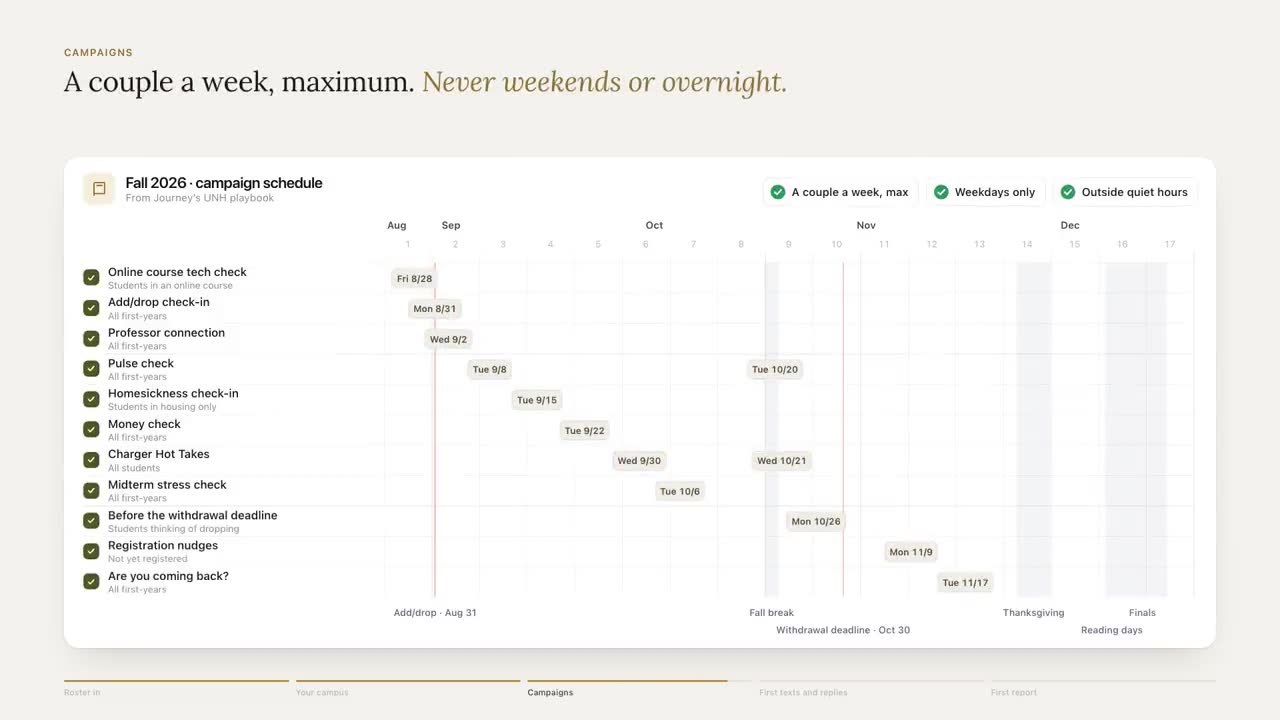
- Put the review dates on a calendar. Before the term, before each break, before finals.
For a 100-student Journey pilot, setup takes about eight hours of staff time to set up a 100-student pilot, most of it gathering the campus resource details Journey can't find publicly. Budget for that work up front. It's the part students notice.
Here is what the result should feel like from the student's side.
 Journey
Text Message
Sat 6:12 PM
when does the dining hall close tonight
main dining closes at 7:30 on saturdays. the grab-and-go in the student center is open till 10.
ok and do we get free meal swipes each semester
i don't have that one confirmed for this term, and i'd rather not guess. the card office in the student center can tell you, weekdays from 9. want their number?
yes pls
An illustrative thread with a fictional student and campus. One fact per answer, and when the base doesn't have it, a person to ask and a time to ask them.
Checking it every term
Knowledge bases rarely fail on launch day. They fail in October, when the library extends its hours for midterms and nobody tells the base, or in December, when dining switches to break hours. Put these on the owner's calendar:
| When | Check |
|---|---|
| Two weeks before classes | Every row: hours, locations, new staff, booking links |
| Weeks 1 and 2 | Unanswered questions daily; add rows as they appear |
| Before each break | Break hours for dining, the library, the gym and housing |
| Before midterms and finals | Extended hours, tutoring schedules, exam-week events |
| Monthly | Every link opens and goes where it should |
| Whenever on-call changes | Counseling and crisis steps, word for word |
An automated monthly link audit isn't live in Journey yet. Until it is, the monthly check is a person's job: open every link, confirm it lands on the right page, and update the row's date.
The gaps students reveal
Every "I don't know" is a missing row, and that's useful. Keep a log of questions the base couldn't answer and review it weekly during the first six weeks, then monthly.
- Clusters point to missing sections. Five questions about bus passes in week one means transportation needs a row, and probably an FAQ on its own site.
- Repeat questions point to bad answers. If students ask the same thing twice, the first answer didn't help, even if it was accurate.
- Timing points to the calendar. Wifi questions tend to cluster at move-in, and money questions before a bill is due. Load the answers before the spike, not after.
For a longer look at what students text late at night, read What Students Text at 11 PM.
How Journey uses the knowledge base
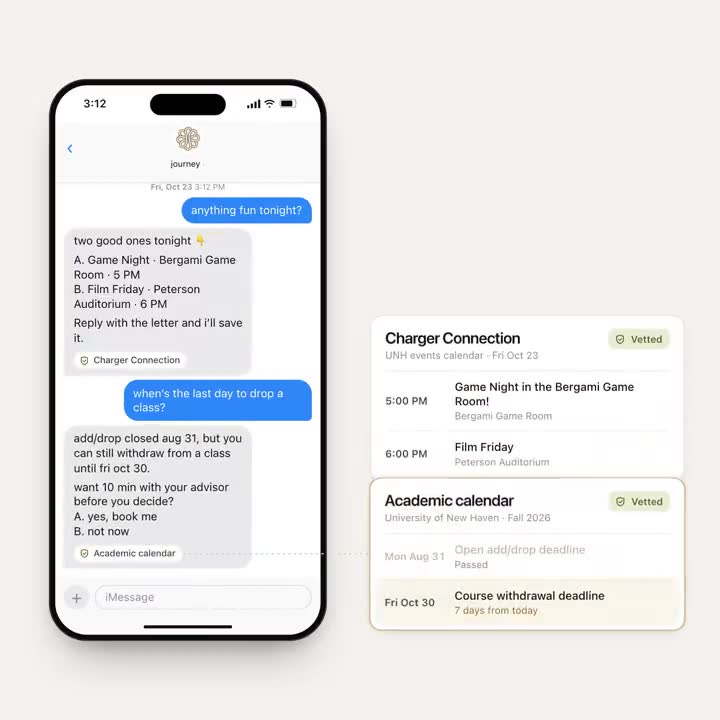
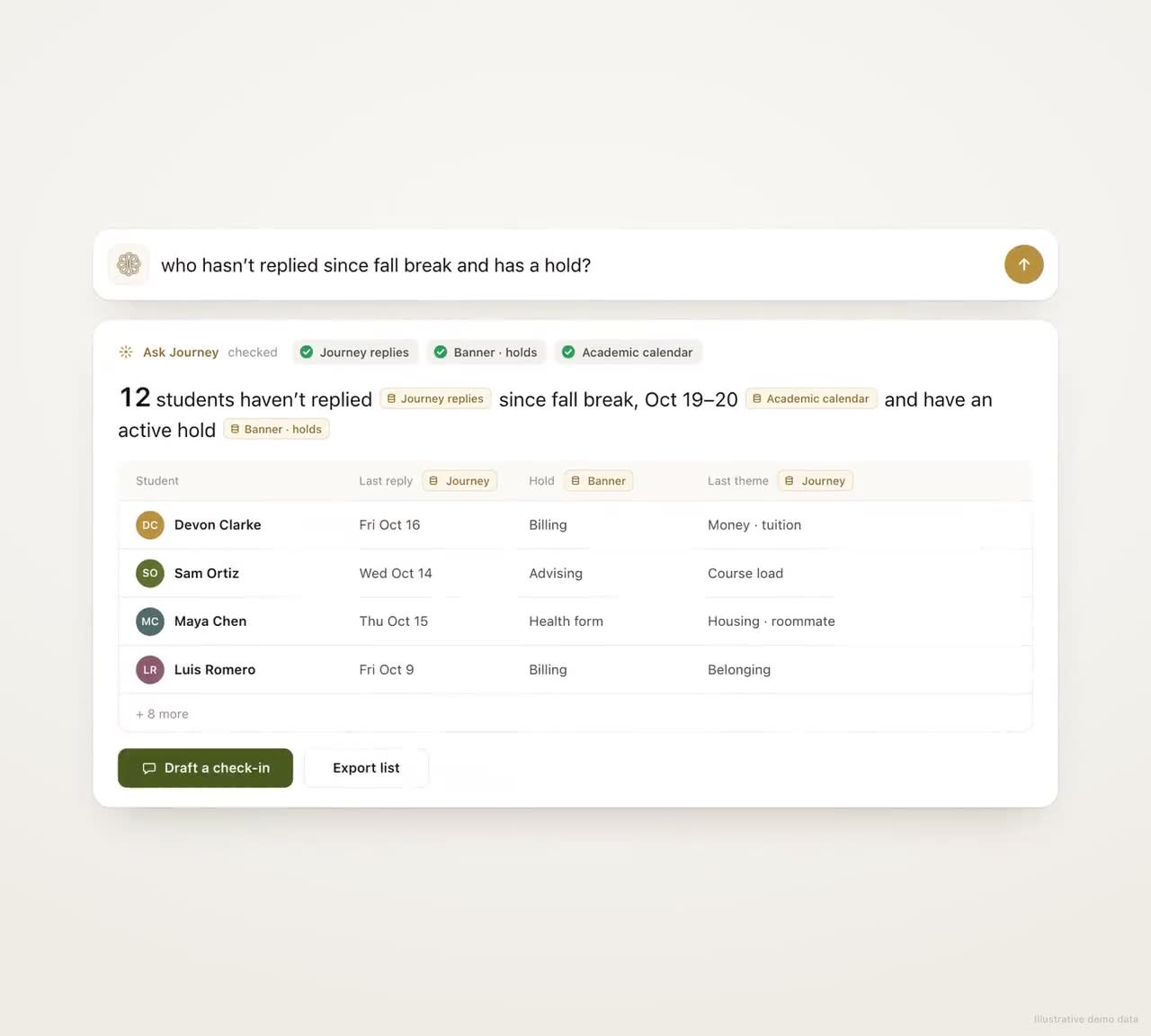
Students can ask Journey anything about campus by text, and the answers come from the resource base we gather with your offices at setup: hours, locations, offices and links. A student can start a text with the campus's name to make sure the answer comes from campus information rather than general advice. Where Journey doesn't know, it says so and points to a person. Because Journey reads every message for its theme, your team can see the topics students keep raising, and a topic that keeps coming up usually points to a row you're missing.
What to measure
- Answered without a handoff. The share of campus questions answered from the base. It should rise over the first month as gaps get filled.
- Unanswered questions by topic. Weekly, so the owner knows which office to call.
- Rows checked this term. The share of entries with a "last checked" date inside the current term.
- Corrections. Answers staff or students flagged as wrong, and how fast they were fixed.
Start with the top 50 questions and a spreadsheet, and give every row an owner and a last-checked date before the first day of classes.
Frequently asked questions
What should a campus chatbot knowledge base include?
For every office and service: the names students use, what it's for, who it serves, hours including breaks and finals, the exact location, how to reach it, what to bring, any cost, a link, a named owner and the date it was last checked.
Can a campus chatbot just read our website?
It can start there, but campus websites are often out of date or contradictory, especially for hours. Use the website as a first draft, then have each office confirm its details in a separate source the chatbot answers from.
Who should maintain a campus knowledge base?
One person in student success should own the whole base and chase updates, while each section belongs to the office that knows it: the registrar for dates, auxiliary services for dining and ID cards, counseling for crisis steps, and so on.
How often should a campus knowledge base be updated?
Check every row before each term, check hours before every break and before finals, check links monthly, and update counseling and crisis steps whenever on-call coverage changes. In the first two weeks of term, review unanswered questions daily.
How long does it take to build a knowledge base for a student texting pilot?
For a 100-student Journey pilot, setup takes about eight hours of staff time to set up a 100-student pilot, most of it gathering the campus resource details Journey can't find publicly. Plan for that work up front, because those details are what students ask about.