Why Students Don't Read Email, and What They Answer Instead

Campus email has taught students to skim and ignore it. Why it fails, why open rates mislead, what students do answer, how to audit and cut your communications, and when email is still the right channel.
Key takeaways
- Students skip campus email because most of it doesn't apply to them, it comes from no-reply senders, and its asks need a portal login on a phone.
- Open rates are unreliable since Apple's Mail Privacy Protection. Measure whether students did what the email was for.
- Audit two weeks of what a first-year receives, cut duplicates and mistargeted messages, move the rest to a weekly digest, and give first-year email one owner.
- Use text for the moment and email for the record: a short text the evening before a deadline, pointing to the email with the details.
Students don't read email because campus email has taught them not to. When most messages in an inbox don't apply to you, the sensible move is to skim the subject lines and ignore the rest. Campuses built that habit, and campuses can undo much of it.
Set up a test account that's on every list a first-year is on and look at it after the first two weeks of term. You'll find the registrar, housing, dining, the library, IT, two offices you've never heard of, a dozen student clubs, a newsletter from the president and a reminder about parking. Somewhere in there is the one message that matters, the missing aid document or the advising appointment she needs to book, and it looks exactly like the rest.
Why students don't read campus email
Several things stack up, and each one makes the others worse.
- Volume. Every office, club and department can email every student. Nobody is in charge of the total, so the total keeps growing.
- Sender. Messages come from "Office of the Registrar" or a no-reply address. Nothing signals that a person wrote it to this student, and usually no person did.
- Subject lines that say nothing. "Important information", "Reminder", "Fall update". The student can't tell from the inbox whether it needs action.
- Asks that need a portal. "Log in to the student portal to review your account." On a phone, that's a password, a two-factor prompt and three menus deep. It's easy to put it off until a laptop, and then forget.
- Sorting that hides it. Mail apps sort bulk mail away from the main view. In Outlook, campus bulk mail can land in the Other tab of the Focused Inbox, which is easy to never open.
- The wrong account. Some students never add their school account to their phone at all, so campus email exists only when they open a laptop.
None of these is the student's fault, and none of them is fixed by a sterner subject line in capitals.
Why open rates won't tell you
If your email platform reports healthy open rates, be careful with them. Apple introduced Mail Privacy Protection in 2021. With it turned on, Apple Mail loads an email's tracking pixel in advance, whether or not anyone reads the message, so a student who never looked can still count as an open. Clicks are a better signal, but still not the one you want.
Measure the thing the email was for: the students who submitted the document, booked the appointment or cleared the hold. If a message produces opens but not actions, it isn't working, however the dashboard looks.
What students do answer
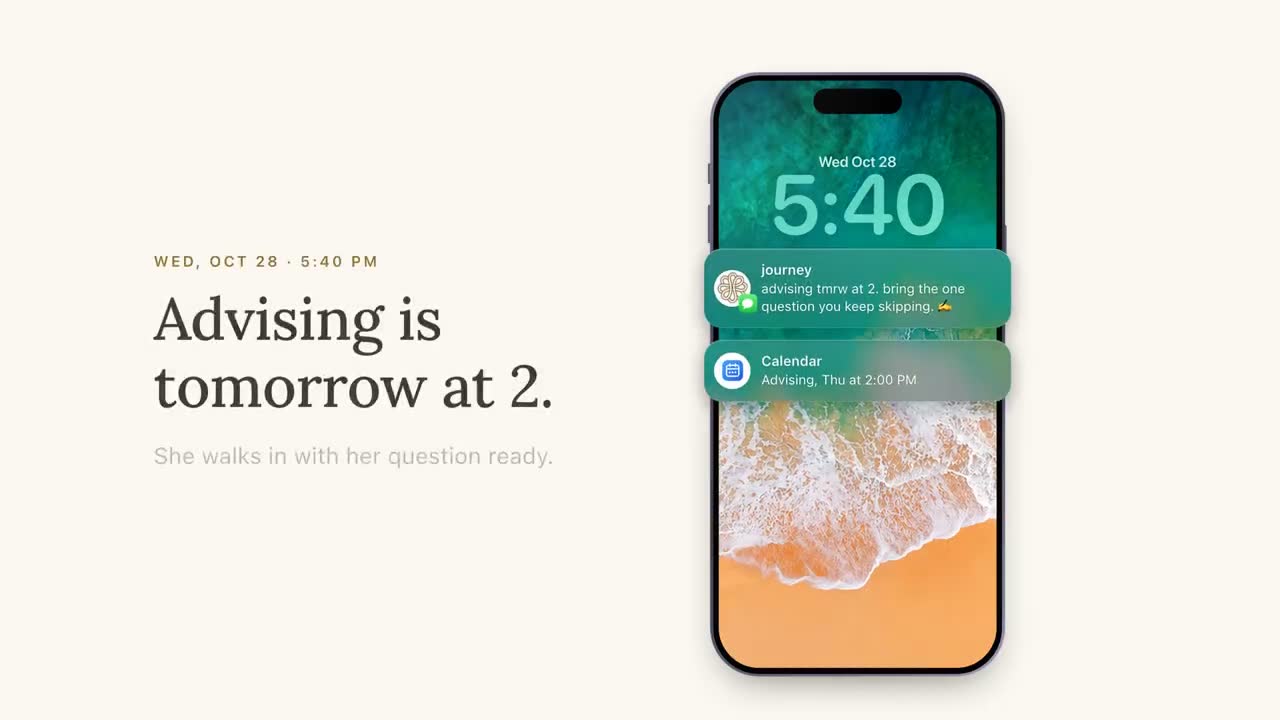
Students answer messages that look like they came from a person, ask for one small thing, and can be answered in a few seconds. That describes a good text, which is why text works where email doesn't. Here's the same message both ways.
| As a campus email | As a text |
|---|---|
| Subject: Action Required: Financial Aid. "Dear Student, our records indicate that your file is incomplete. Please log in to the student portal to review outstanding requirements at your earliest convenience." | "hey, your aid file's missing one form. takes about 5 min. want the link? a) yes b) already did it c) what form" |
| Subject: Advising Week. "Students are encouraged to schedule an appointment with their assigned advisor prior to registration." | "registration opens nov 12. want to book 15 min with your advisor first? here's the link, 2 taps" |
| Subject: Tutoring Center Fall Hours. A table of hours for eleven subjects. | "calc tutoring is open till 9 tonight, 2nd floor library. your quiz is thursday." |
The texts above are illustrative. Notice what changed: one ask, a specific detail that applies to this student, a choice to reply with, and an action small enough to do from the phone. The channel helps, and the writing does at least as much. The craft is covered in how we write a nudge and the channel in the complete guide to texting college students.
Students also keep answering a channel that answers them. A text that gets a real response the first time teaches the student it's worth answering the next one. A text that leads nowhere teaches the opposite, faster than email ever could.
Audit your communications first
Before adding a new channel, find out what the old one is carrying. On many campuses, nobody has seen the full list of what a first-year receives.
- Collect two weeks of it. Use the test account above, or ask a few student workers to forward everything (with their permission) from weeks one and two.
- Log each message. Sender, subject, the one thing it asks the student to do, the deadline, and who it applies to.
- Mark the ones that need action this week. Usually a small share.
- Mark duplicates. The same deadline from three offices, the same event from four lists.
- Mark the mistargeted. Messages sent to everyone that apply to a few: commuter parking to residents, a deadline for students who've already met it.
- Show the list to the offices that sent it. Nothing changes behavior like seeing your message eighth in a pile of thirty.
| Sender | Subject | Ask | Deadline | Applies to | Action this week? | Duplicate? |
|---|---|---|---|---|---|---|
| Financial aid | Action Required | Submit verification form | Oct 1 | Students selected for verification | Yes | Also sent by one stop |
| Student life | This week on campus | None | None | Everyone | No | No |
An illustrative row or two from an audit log. A real one can run to dozens of rows a week.
Send less, and make what's left count
The audit usually points to the same handful of fixes.
- One owner for first-year communications. Not to write everything, but to see everything and say no to some of it.
- A weekly digest for anything that doesn't need action this week: events, newsletters, general reminders. One email on the same day each week, instead of fifteen scattered ones.
- One action per message, named in the subject line: "Book advising before Nov 12", not "Advising Week".
- Send only to students it applies to. If the office can't filter its list, that's a data problem worth fixing.
- A shared calendar of sends, so three offices don't land on the same Monday.
When email gets lighter, the messages that remain stand a better chance of being read. It's the cheapest improvement in this article, and it doesn't need any new software.
Writing the emails you keep
The emails that survive the audit carry more weight, so they deserve better writing.
- Put the action and the deadline in the subject line. "Submit your verification form by Oct 1" tells the student everything before she opens it. "Important: Financial Aid Update" tells her nothing.
- Lead with the one thing. The first line says what to do, by when, and roughly how long it takes. Background goes underneath, for the students who want it.
- Say why she's getting it. "You're getting this because your aid file is missing one form." A message that explains its own targeting reads as meant for her, and over time students learn which senders only write when it matters.
- Send it from somewhere a person reads. A named office contact and a reply address that gets answered, not a no-reply address that bounces the student's question.
- Write for a phone. Short paragraphs, one link, nothing that depends on an attachment or a table to make sense.
Move the action, not just the message
The biggest gain comes from making the thing you're asking for easy to do from a phone. A text that says "check your email" is just a louder email. A text that links straight to the form, the booking page or the office hours does the work.
- Link to the exact page, not the portal home.
- Use one-tap booking links for advising, tutoring and financial aid.
- Use the text as the pointer and the email as the record: "sent you the details by email too, but the short version is: one form, due friday."
- Answer the question in the text when you can. "the library closes at midnight" beats a link to the hours page.
When email is still the right channel
Text is better than email for some jobs and worse for others. Email is still right for:
- The record. Anything students may need to find again: an award letter, a policy, a confirmation.
- Documents and detail. Attachments, long explanations, anything with a table.
- Formal notices your policies or regulations require in writing, as your counsel advises.
- Back-and-forth with faculty, where the student is writing as much as reading.
The pattern that works is both: email carries the record, text carries the moment. A text the evening before the deadline, pointing to the email that has everything, gives that email a far better chance of being read.
Journey as the text half
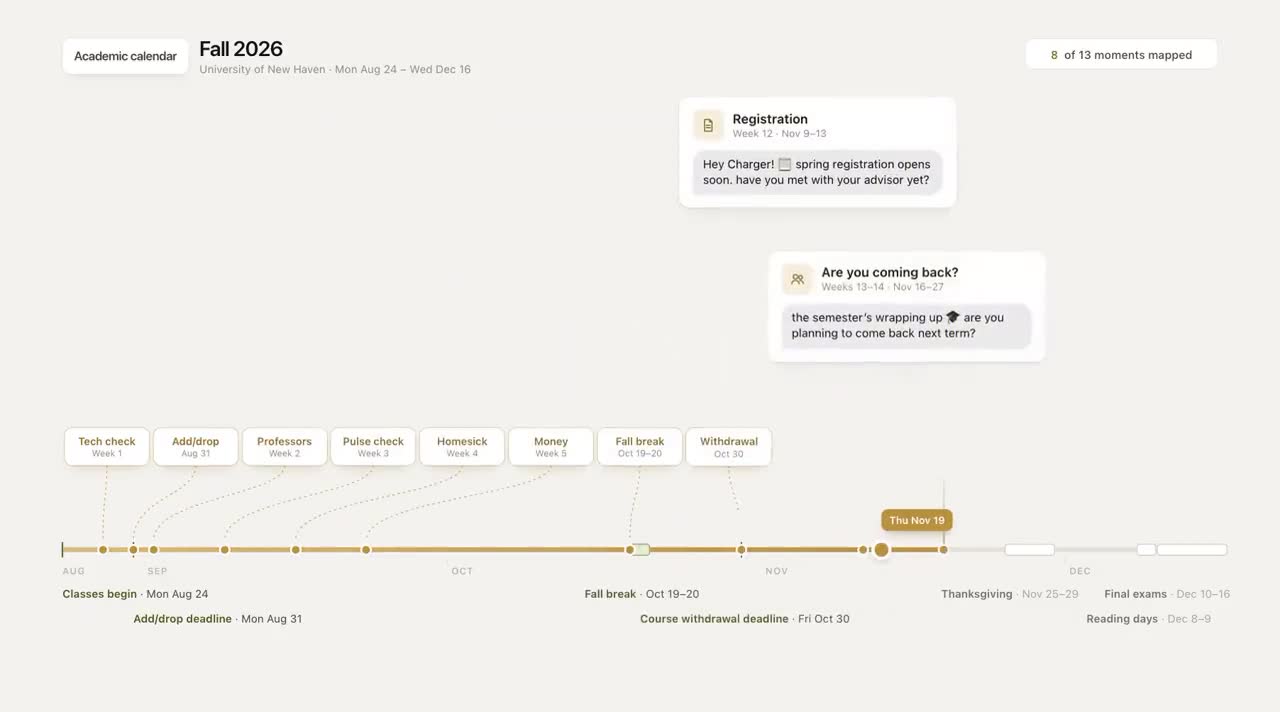
Journey is the text side of that pattern. It texts each student a few times a week, inside the windows they chose, in a voice they picked, about things that apply to them: a deadline coming up, tutoring hours before a midterm, an event that matches what they said they care about. Students can answer with a letter, ask any campus question, and get an answer from your resource base or an honest pointer to a person. Every reply gets read, and staff see the ones that need them. In a typical week of the University of New Haven pilot, 74% of students replied to Journey or acted on a nudge.
In our demo of this contrast, the reply turns into an office booking the same evening. Booking straight into the office's calendar isn't live yet; today the student gets a one-tap link to book.
Start with the audit. It costs nothing, and it'll tell you which messages deserve a text and which deserve to stop.
Frequently asked questions
Why don't college students read their email?
Campus email arrives in high volume from offices students don't know, with subject lines that don't say what's needed and asks that require a portal login. When most messages don't apply to them, students learn to skim and ignore the rest.
How do you get students to read university emails?
Send fewer, put the action and deadline in the subject line, send only to students it applies to, lead with the one thing to do, and write for a phone. A short text pointing to an important email also helps it get read.
Is texting better than email for reaching college students?
For moments that need a quick answer or action, usually, because students answer short texts from a sender they know far more readily. Email is still better for records, documents, long detail and formal notices, so most campuses do best with both.
Are email open rates accurate for student communications?
Not very. Apple's Mail Privacy Protection can load tracking pixels whether or not a message is read, which inflates opens. Measure actions instead: forms submitted, appointments booked, holds cleared.