Every Nudge Is Checked Before It Sends

Before any Journey nudge goes out, it's checked against the student's chosen window, her classes, quiet hours, one proactive text a day, PAUSE and STOP, repeats and blank placeholders. What's live, what's in the demo, what to ask.
Key takeaways
- Every Journey nudge is checked before it sends: the student's chosen window, her classes, quiet hours, one proactive text a day, a few a week, PAUSE or STOP, and whether she already got it.
- Once a student texts her timetable, nothing from Journey lands during a class, and a nudge with an unfilled placeholder is never sent: a clean one goes instead and staff are told.
- Personal follow-ups written by AI are approved by staff in Slack before they're sent.
- All of these checks are live; the check screen in our demo is a mockup.
- Sending less is how each text keeps its value: students learn quickly whether a sender's texts are worth opening.
Campus texting programs rarely fail with a wave of STOP replies. They fail when students quietly stop reading. A reminder about a deadline three weeks away, sent late on a Sunday as the fourth text that week, teaches a first-year that her university's texts can wait.
Quiet hours and send limits are usually discussed as compliance, and they are partly that. But the bigger cost of a badly timed text is attention you don't get back. Every Journey nudge passes a set of checks before it goes out, and all of them run today. Here's what they are, what's depicted in our demos, and what to ask any vendor that wants to text your students.
What's checked before a nudge sends
| Check | What it asks | If it fails |
|---|---|---|
| Her window | Is it inside the times the student chose to hear from Journey? | It waits for her next window |
| Not in class | Would it land during one of her classes, going by the timetable she texted? | It moves out of class time |
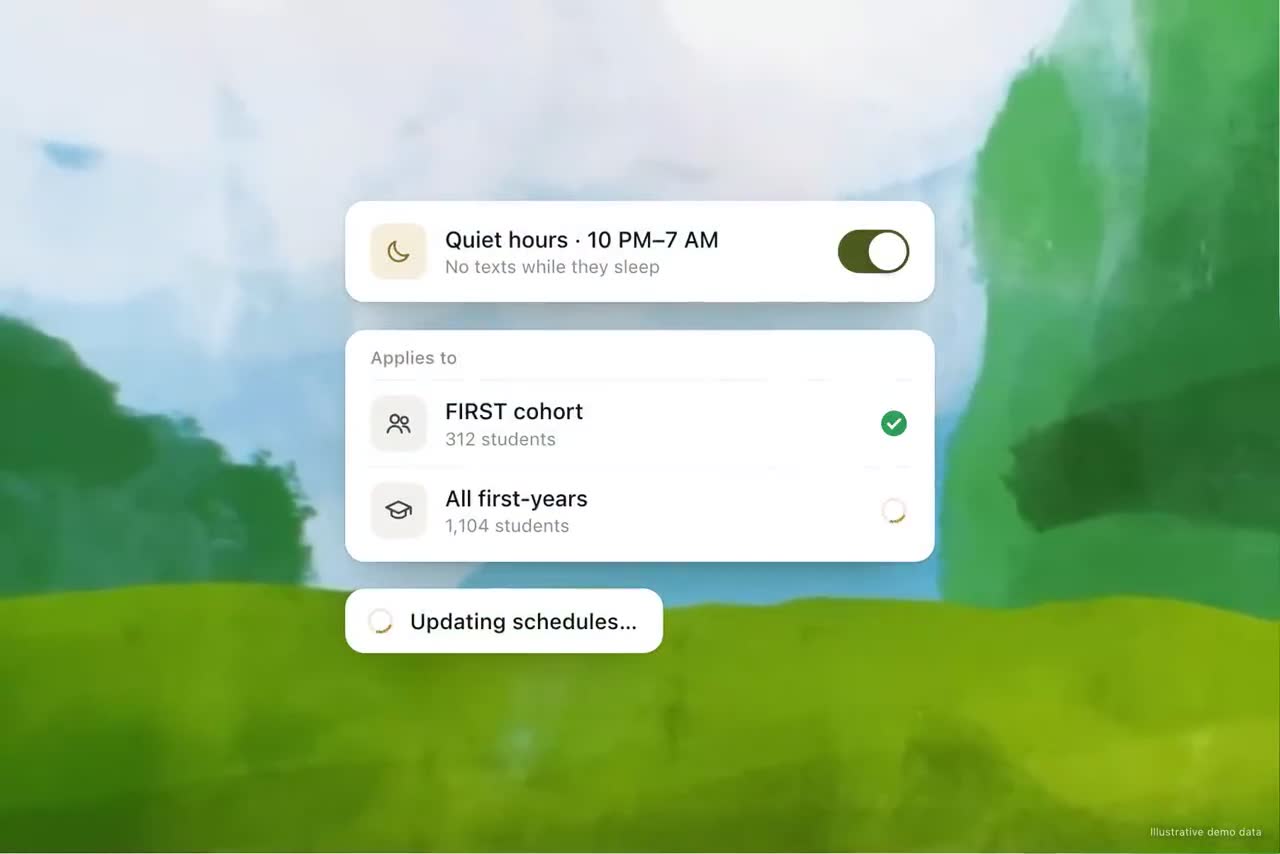
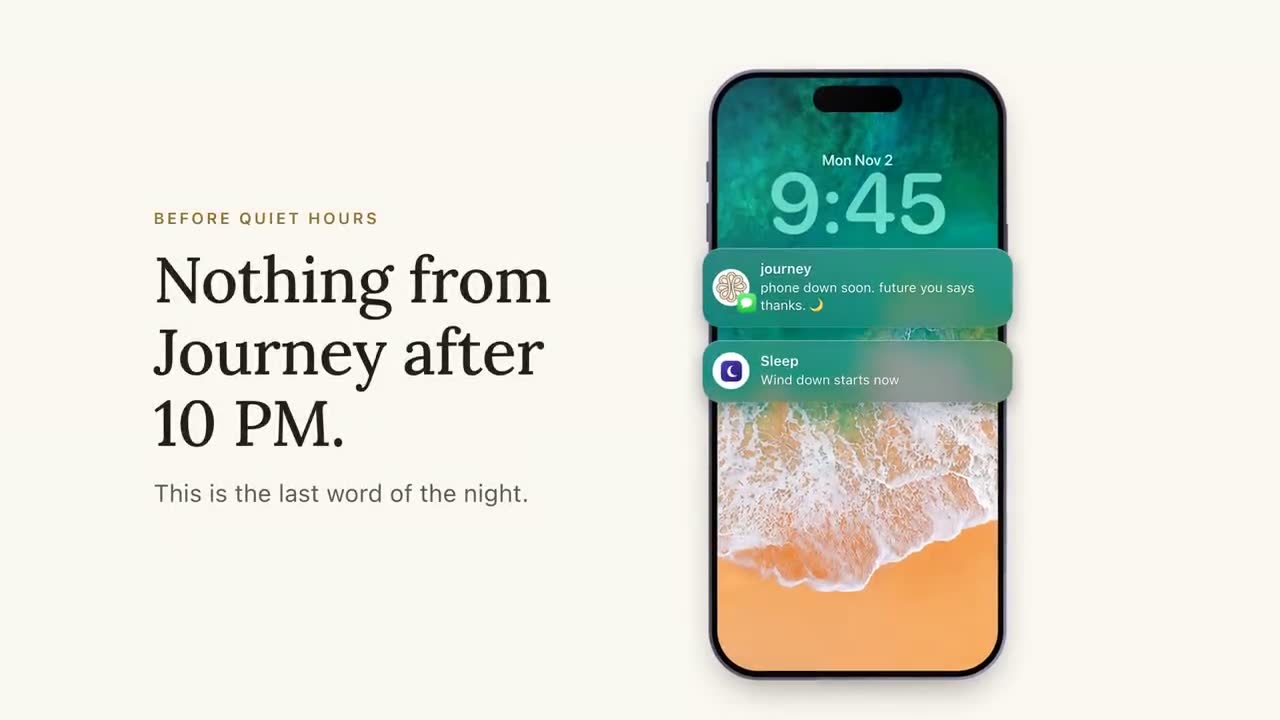
| Quiet hours | Would it land overnight? | It doesn't go out overnight |
| One a day | Has she already had a proactive text from Journey today? | It doesn't go out today |
| A few a week | Would it push her past a few texts this week? | It doesn't go out this week |
| Paused or stopped | Has she texted PAUSE or STOP? | Nothing goes out |
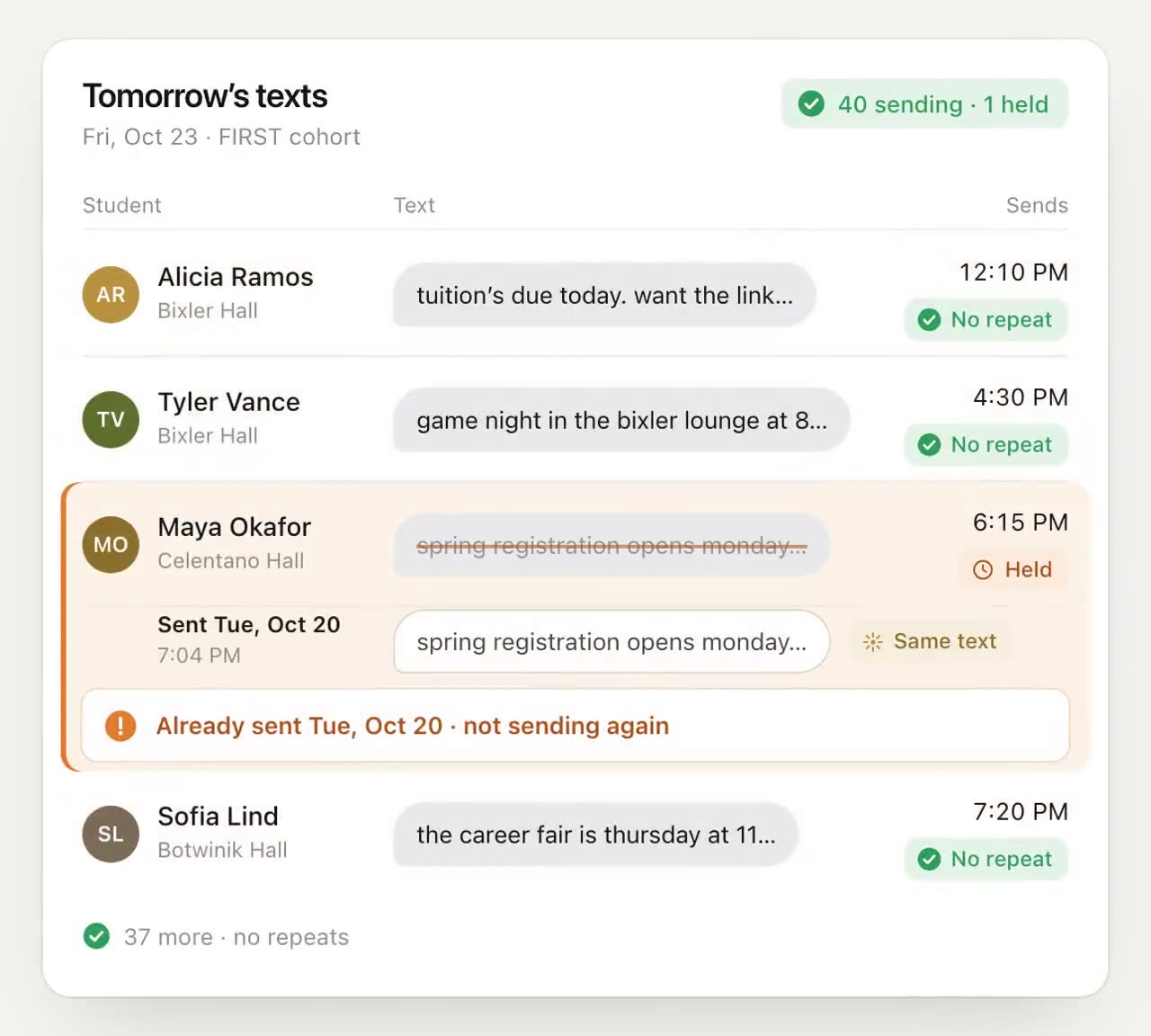
| Already received | Did she already get this nudge? | It's held, not sent |
| No blanks | Is every placeholder, such as her first name, filled in? | A clean version goes instead, and staff are told |
The limit of one proactive text a day and the check for a nudge she already received both arrived in October 2026. The class rule is absolute: once a student has texted her timetable, nothing from Journey lands during a class, whether it's a nudge, a check-in or an announcement. Students can text STOP at any time to opt out, or PAUSE to take a week off.
"Proactive" matters in that table. The checks govern what Journey starts. When a student texts at midnight asking when the library opens tomorrow, that's her conversation, and she gets an answer. Replies have their own ceiling: after five in a day, Journey points her to campus health and wellness rather than keeping the conversation going.
A person approves the most personal texts
Most nudges come from the student's own goals and the windows she chose. Sometimes a reply deserves more: she mentions she finally went to office hours, or that her week fell apart. In those cases Journey can write a personal follow-up nudge with AI, and a staff member approves it in Slack before it's sent.
Live checks, depicted screen
The "checked before it sends" demo shows the checks running one by one for Alicia and Tyler: Alicia's text clears all four and goes out at 7:10 PM, while Tyler's would have been his third that week, so it waits for Monday. The checks are real. The screen that shows them isn't something staff can open today, and rescheduling a held text to a set time next week happens in the demo, not the product.
Quiet hours, applied once
Quiet hours are the check people ask about first, and the one most often handled by hand: someone remembers not to schedule a campaign after 9 PM, until the week someone forgets. Journey applies quiet hours to every nudge, so it doesn't depend on whoever built the campaign remembering.
The repeat check
Duplicates happen for ordinary reasons. Two campaigns cover the same registration deadline. A template is copied into a new sequence. Advising and the registrar both schedule the reminder. Since October 2026, Journey compares every queued nudge with what that student already received and holds a match instead of sending it.
There's more on why repeats cost so much trust in our note on the repeat check.
Why sending less makes each text count
A student learns quickly whether texts from a sender are worth opening. Every message that arrives at the wrong time, says something she already knew or comes on the heels of three others teaches her to skim. Every message that lands when she can act, about something she cares about, teaches her the opposite.
That's why Journey sends a few texts a week, inside the windows the student chooses, and why the limits hold even when staff would like to send more. A campus has many offices that each want one more reminder. The student has one phone. Someone has to protect it, and it works best when that's built into the system rather than negotiated in a meeting.
What to ask any texting vendor
- Who chooses when a student hears from you: the student, the staff, or a default?
- Are quiet hours enforced on every message, or only when someone remembers to set them?
- What stops three offices from texting the same student on the same day?
- Is there a weekly limit, and does it apply across every campaign?
- How do PAUSE and STOP work, and how fast do they take effect?
- What happens to a message that would duplicate one the student already got?
The right answers are boring, specific and enforced in software. If the answer to any of them is "our staff are careful", plan for the week they aren't.
Frequently asked questions
What are quiet hours for texting students?
Quiet hours are a window, usually overnight, when no automated messages go out. Journey honors quiet hours on every nudge, so nothing it starts lands overnight. Questions a student sends herself still get answered.
Is texting students at night a compliance problem?
Federal and state rules on automated texts, consent and calling hours exist, and how they apply to a university's messages depends on the message and the consent you hold. Ask your counsel. Whatever the legal answer, overnight texts cost attention, so quiet hours are good practice.
Can a texting platform avoid messaging students during class?
Only if it knows the schedule. In Journey, a student texts a screenshot of her timetable, and from then on no nudge, check-in or announcement is sent during one of her classes.
How many texts a week should a university send a student?
Fewer than most offices want to. Journey sends a few texts a week, inside the windows the student chooses, and no more than one proactive text a day, so each message is more likely to be read and acted on.
What happens when a student texts PAUSE or STOP?
Students can text STOP at any time to opt out, or PAUSE to take a week off. Journey checks for both before any nudge goes out.